Translate and contribute
Translations
| Language | Status |
|---|---|
| English | Source language |
| العربية Arabic | Complete, reviewed by a native speaker |
| Nederlands | Complete, reviewed |
| Deutsch | Complete, needs review by a native speaker |
| Français | Complete, needs review by a native speaker |
| Español | Complete, needs review by a native speaker |
| Română (Romanian) | Complete, reviewed by a native speaker |
Speak one of these languages? Or want PrintView3D in yours? Your help is very welcome:
spotting one wrong word already helps. Translations are made right here on GitHub: change the
file for your language in translations/ and open a pull request, all in the
browser. Step by step: How to translate.
Untranslated texts simply appear in English, so a language can be added step by step.
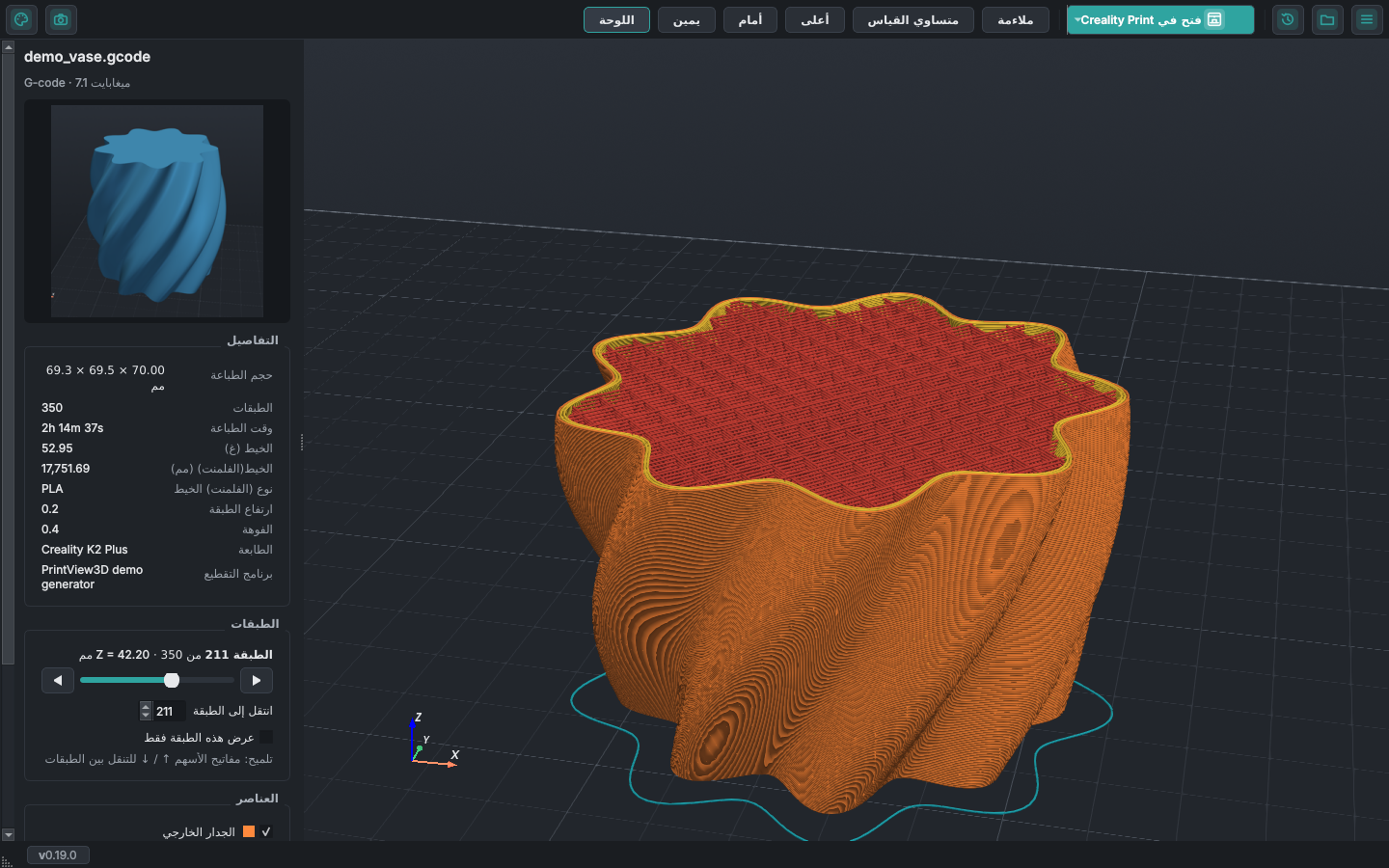
This website in your language
Each page of this website is a Markdown file in docs/:
install.md is English, install.ar.md Arabic. To translate a page, copy it with your language's
code before .md (for example install.nl.md), translate the text and open a pull request (a new language is then
added to the site's language menu).
Keep the commands, file names and the {#...} labels after headings as they are. Pages that are
not translated yet are shown in English, so one page at a time is fine.
Contributing
Bug reports, ideas and pull requests are welcome; see CONTRIBUTING.md.
Is your slicer missing? It is usually a single entry in SLICERS in
src/printview3d/slicer.py.
Code signing policy
Windows releases are built automatically from this repository by GitHub Actions; no binaries are built or uploaded by hand.
Status: applying for free code signing for open-source projects. When approved: Free code signing provided by SignPath.io, certificate by SignPath Foundation.
| Role | Members |
|---|---|
| Committers and reviewers | sevagjb |
| Approvers | sevagjb |
Every signing request is approved by hand by an approver. Contributions from other people are reviewed before they are merged.
Privacy: this program will not transfer any information to other networked systems unless specifically requested by the user or the person installing or operating it. PrintView3D works fully offline; it only opens your files and starts the slicer you choose. The only connection it ever makes is the update check, and only when you ask for it or switched on the daily check; see Updates and privacy.
License
MIT. Free to use, change and share. Built with Qt for Python, PyVista and VTK.
Security
Found a security problem? Please report it privately, see SECURITY.md.